What changed in AVA and EzeHealth during September and October 2026. Fifteen additions, all live at Jura Care Village, all included for every EzeHealth client. The theme is one Johan set in October: nurses should stop spending hours serving the platform. One list, a few reviews, a monthly signature, and AVA does the reading.
AVA Audit: one list per shift
Registered nurses and admin now sign in to an audit list of everything that needs them this shift, gathered from every module: pending approvals, overdue reviews, lab follow-ups, restraint checks, care-plan suggestions and more. Each point is ticked Done, or Reviewed with a note, and the ticks are shared by the team. Everyone gets their own count on AVA Connect at the start of every shift.
Care plan suggestions from the daily inputs
Rule-based checks run continuously over the daily records, from falls and fluids to vitals, wounds and behaviour. Each one proposes a specific care-plan change with the reason and the evidence. The RN accepts or declines; declined suggestions stay quiet for thirty days unless the picture worsens. These are rules, not AI, and nothing leaves the server.
A living annual report
The annual report is no longer rebuilt once a year. AVA drafts a monthly edition for every resident from the last twelve months of records, in English or Afrikaans, with the numbers checked against the data. Staff review, edit and sign. In the first run AVA wrote the September 2026 edition for all 36 qualifying residents on the day of release.
Lab result reports and trends
Upload a lab report and AVA reads it, writes the report, lists the follow-ups and proposes care-plan changes for the RN to apply. Lab values are trended per resident and flow into the annual report. Red follow-ups are pushed to AVA Connect, and a resident without a doctor on file is flagged daily.
Doctor's round pack
For each doctor and visit date the platform gathers what the doctor needs to see: open letter questions, lab results awaiting follow-up, medication changes awaiting a script, script renewals due, active wounds, skin marks referred to the doctor and incidents since the last round. The doctor receives a reply link and can answer from a phone; the answers file back to the resident.
Prescriptions: AVA reads, the RN confirms
The medication master file upload now starts with the details: original or adjustment, the doctor and phone number, the number of medications on the script, the script date and the renewal date, which the RN sets rather than the system guessing. AVA reads the script, photo or PDF, and lists the medications. The registered nurse confirms every line before anything enters the master file. Adjustments stay linked to the original script, and a tablet can view the script in a viewer instead of downloading it.
Skin condition management
Skin assessment became skin condition management: every mark on a body map, in one working document per resident per month. Open marks carry over until they are healed, each with its care programme and photo. The official monthly assessment is signed by the RN, reviewed by a second RN or manager, and filed as a PDF with the body map.
Restraint register, built on the regulations
The restraint register was rebuilt around the rules: an observation within 30 minutes, a review within 24 hours and then daily, a standing order needs a prescription within 24 hours, and refused consent is accepted only in an emergency. Two new tablet forms, Restraint Observation and Restraint Stopped, join the register. Late items appear on the handover, the audit list and AVA's brief.
Handover controls
Only an RN or admin can mark a shift handover complete. A change by anyone else reopens it, every change is logged with the text as it was, and the sign-off window shows what changed after completion. The tablet and AVA Connect can still add lines without reopening a completed handover.
Leader carers
Medication delegations can be granted only to carers the RN has marked as leaders. Removing the leader flag revokes the carer's active delegations, on the web and on the tablet.
Functional assessment, year on year
Each resident's functional assessment can be compared with the previous year, section by section, with the carers' daily evidence for dressing, toileting and mobility shown beside the RN's scoring.
Resident documents and photo folders
Admission now has a checklist of eight document types, medical records gained types for historical records, previous scripts, dementia diagnosis, hospital admissions and the medical aid, and every resident has a photo folder for skin, functional and wound photos, each linked to the record it belongs to. Photos are stored outside the web root.
SOP library
Admin > Instructions now holds an SOP library: a written procedure for every workflow on the platform, with an approval step (management only, never the last editor), PDF export and sharing by WhatsApp link. Fifty-two procedures are drafted; carers see each one once management approves it.
AVA Chat: brief, memory and web search
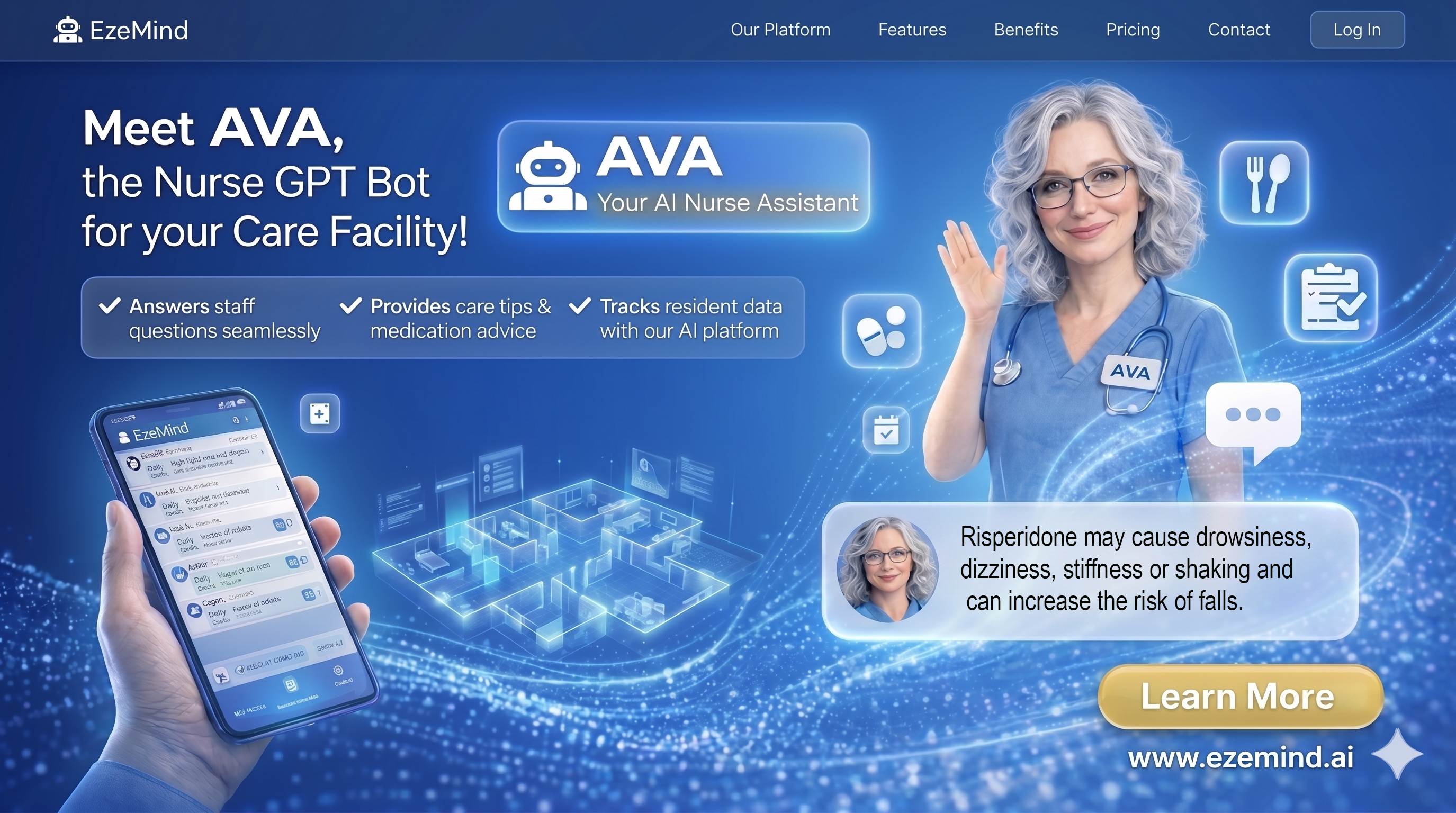
AVA Chat opens with a daily brief of what changed and what is overdue, remembers earlier conversations instead of only the last few messages, and can look things up on the web when the answer is not in the home's own records. Her clinical answers still come only from your data.
AVA Connect: AVA reads the chat
AVA Connect release 2.3.5 lets a carer describe a wound in a normal chat message. AVA picks out the wound type, severity and signs, adds the care to the right existing wound, and asks which wound when a resident has several. Incidents raised in chat become incident records. Connect also carries shift handover notes, management instructions, voice notes, photos and documents, supplies, push alerts and live chat alerts.
A new look, built for phones first
The dashboard, management dashboard, resident list, resident file, shift pages and care plan page were redesigned mobile-first, with residents' photos on every list and a resident file of twelve tabs that deep-links. Care plans are now edited one part at a time, so two people editing cannot overwrite each other, and only RNs and admin can change them.
Behind the scenes
- Nightly encrypted backups of the database, documents and uploads, kept off-site, with thirty days of history.
- Live chat alerts for AVA Connect now restart themselves if the relay stops.
- By the numbers on 11 October 2026: 37 residents, 24 modules, 13 clinical forms, 149,607 form submissions, about 580 a day.
Frequently asked questions
Do EzeHealth clients get these updates?
Yes. Every installation includes every update at no extra cost, configured to the home's own forms, care levels and rules.
Does AVA now make clinical decisions?
No. The audit list, the care-plan suggestions, the lab reports and the annual-report drafts are all reviewed and signed by a registered nurse or manager. AVA reads, gathers and drafts; people decide.
Where can I see it running?
Book a 15-minute demo of the live system at Jura Care Village, or watch the product tour.